 Sashimii
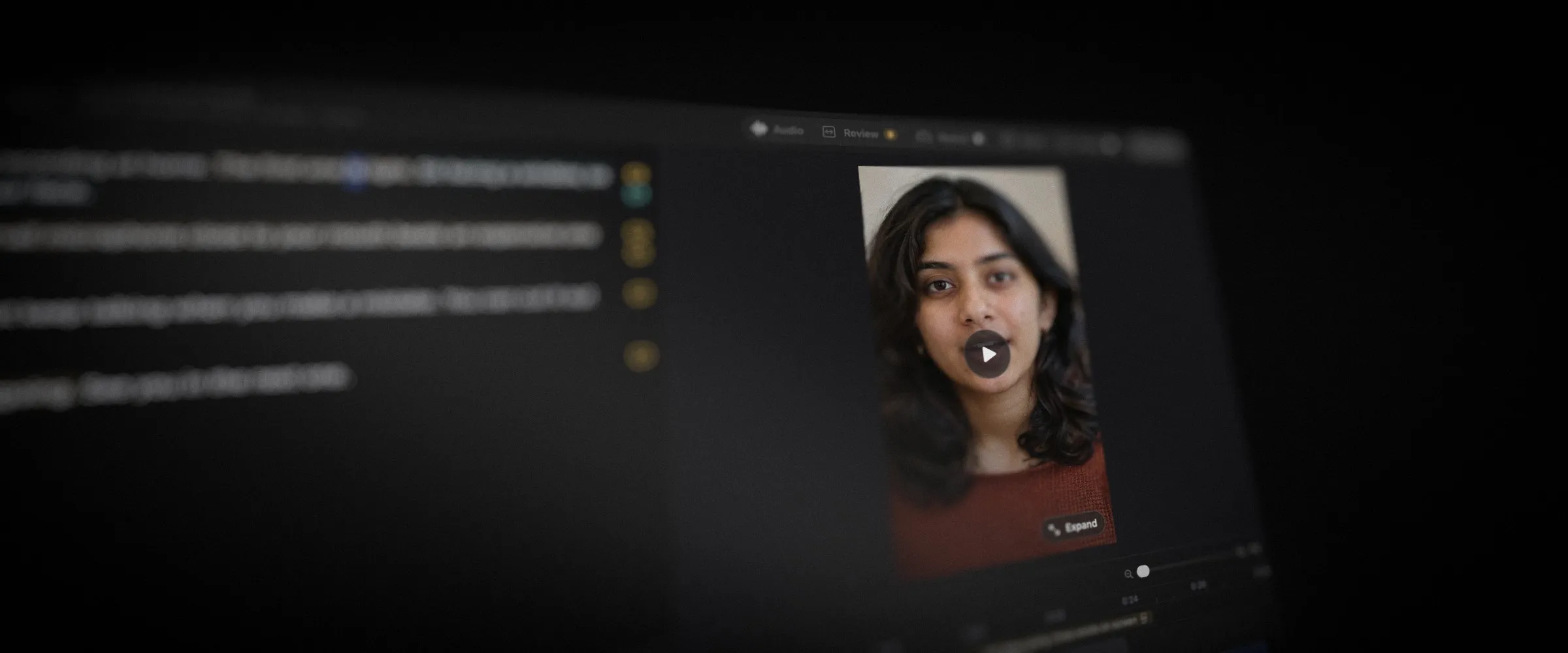
Not every recording is 16:9. Sashimii 0.5.1 works in your recording’s own frame: a vertical phone clip, a 4:3 camera or a square crop opens, plays, renders and exports at its own shape, never stretched and never squeezed into a widescreen box. It arrives in the app as an update.
What’s New
- Every frame shape. Portrait, square, 4:3 and very wide recordings show in Edit view at their true shape, and the finished movie is exactly that frame, including recordings with non-square or turned pixels.
- Join Review for tall pictures. The picture sits beside the list of joins, so a vertical or 4:3 recording keeps its full height while you work through the cuts. In a narrow list, each join’s words move to a second line instead of being cut short.
- Graphics that fit the frame. Graphics, captions and picture-in-picture moves land on the picture at any shape, and Style previews and saved examples show in your project’s shape. An older 16:9 graphic is fitted inside the frame, and your agent adapts it to the new shape when it works on the project.
- Resolve exports keep the framing. A DaVinci Resolve export sets the timeline to your recording’s frame, and the importer corrects how Resolve reads turned and non-square clips, so the picture comes in as Sashimii shows it.
Also in This Release
| Change | Details |
|---|---|
| Fix | Opening a project with Voice Cleanup already on could crash the app. It now opens normally. |
Note: Sashimii needs a Mac with Apple silicon, macOS 26 or later, and an AI agent that can use skills, such as Claude Code or Codex. Getting Started walks through setup.