 Sashimii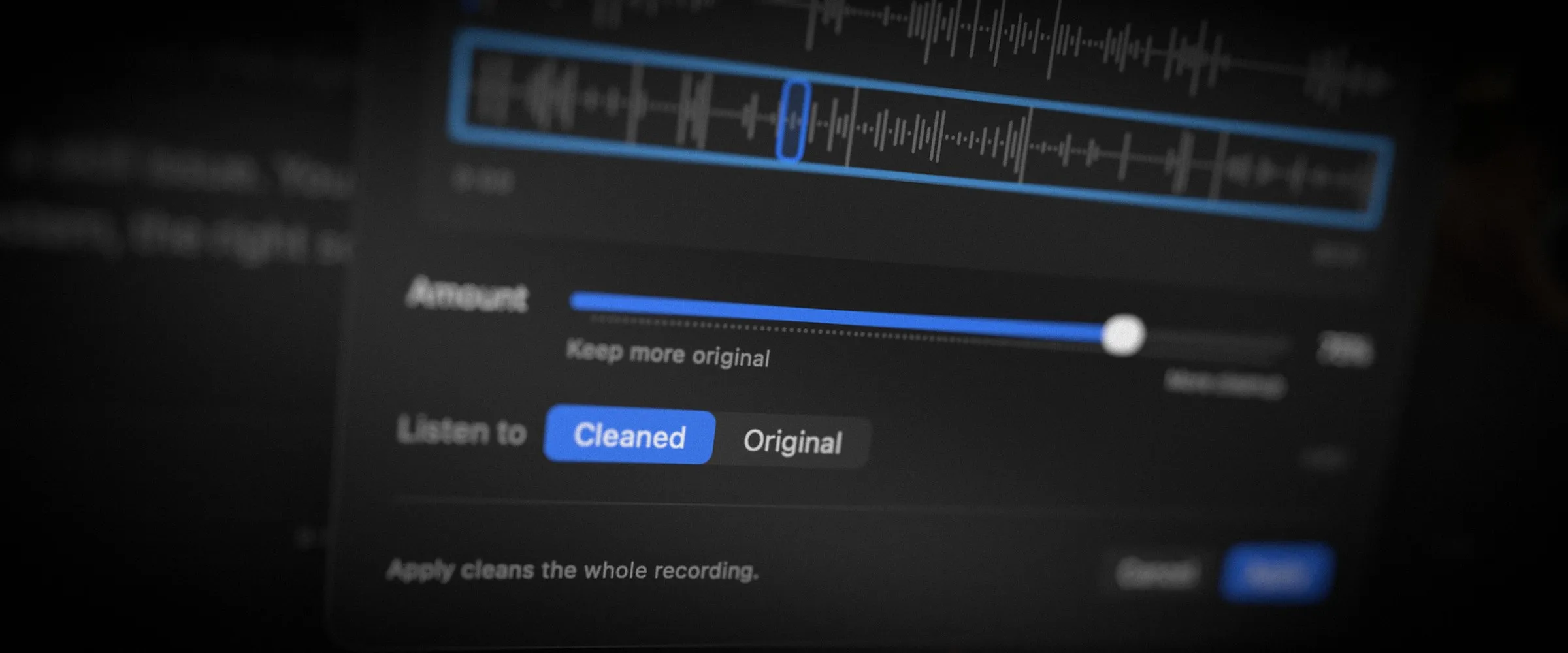
Not every recording happens in a treated studio. A noisy room, an echoey office or a mic set a bit too low shouldn’t send you to a separate audio app before your video is ready to share. Sashimii can now clean up your voice for you.
Why We Built It
Cleaning dialogue used to be a separate step at the very end, in a different app. That meant everything you watched and judged while cutting was the raw sound. We wanted the cleaned voice from the first listen, so the cut you approve is the cut people hear.
What It Does
- Cleanup from the start. When you set up a new project, Clean up voice is already ticked. Sashimii cleans the recording on your Mac while it prepares the project.
- One control. A single Amount setting decides how strong the cleanup is. Light for a recording that’s nearly there, strong for a noisy or echoey room.
- Hear the difference. Switch between the cleaned and original sound at any moment to check nothing important was lost. Some recordings are best left alone, and that’s a valid answer too.
- Used everywhere it matters. Playback, your rendered video and your audio exports all use the cleaned voice. Your original recording is never changed.
The aim is a voice that sounds clear and natural, without turning into an audio engineering project.